

Hey everyone! 👋
I've got some big news. If you've been playing games on Melting-Mindz for a while, you know escape games are my absolute passion. From the very first Super Sneaky Spy Guy back in 2006 to the hundreds of Hooda Escapes and beyond — I've spent nearly 20 years hand-crafting point-and-click adventures for you all. 🎉
But for years, a bigger idea has been living rent-free in my brain: What if anyone could make their own escape games? 🤔
Today I'm beyond excited to pull back the curtain on something I've been pouring my heart and soul into for a very long time...
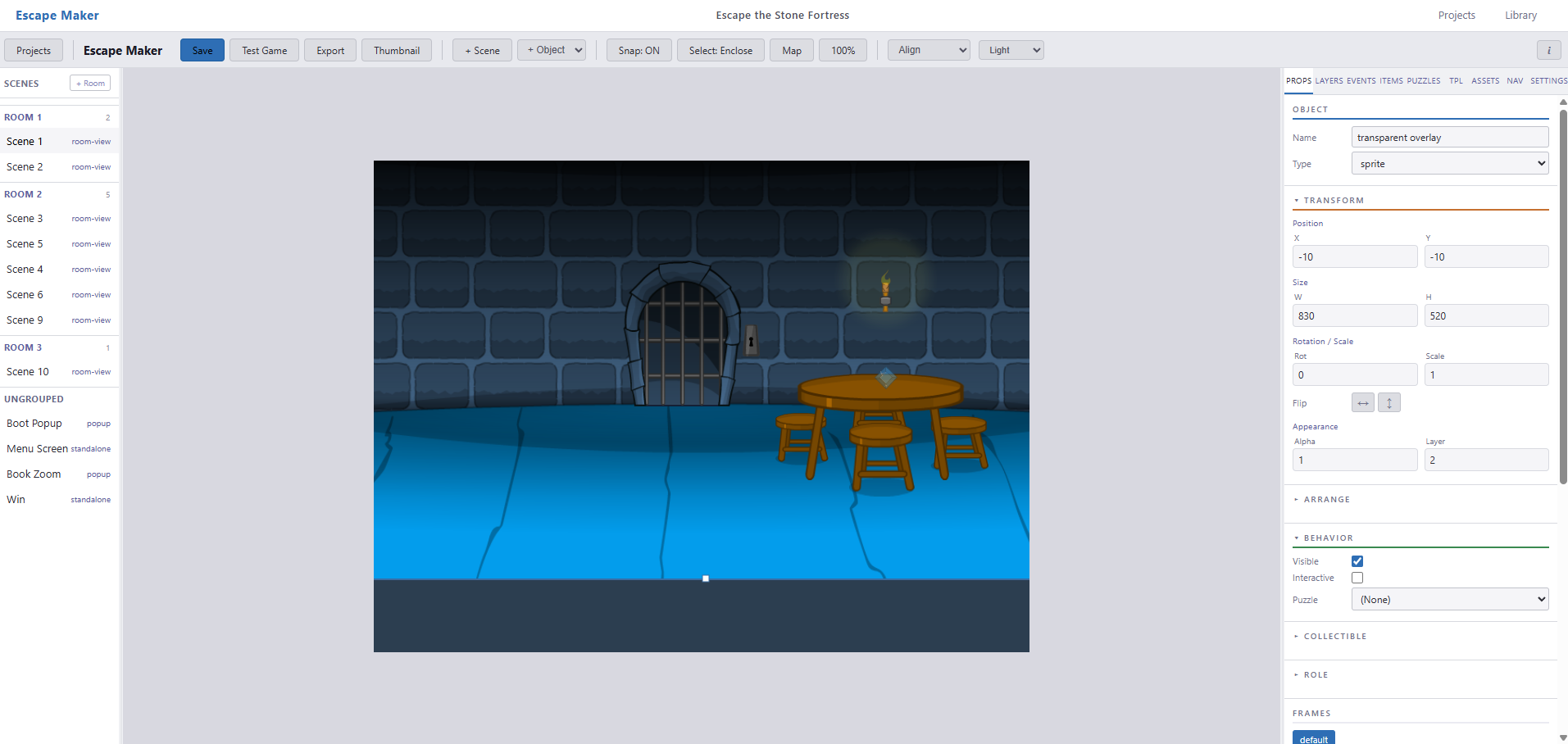
EscapeMaker is a browser-based visual editor for creating full point-and-click escape room games — no coding required. You design scenes, place objects, wire up puzzles, and export a finished game as a single HTML file that runs anywhere. No server. No plugins. No installs. Just a game. ✨
This wasn't a weekend hack or a side experiment. EscapeMaker has been years in the making. Every puzzle I've designed for Melting-Mindz, every room I've drawn, every "aha!" moment I've tried to create for players — all of that experience went directly into building this tool. 🧠💡
Short answer: anything you can dream up. Here's what's packed inside:
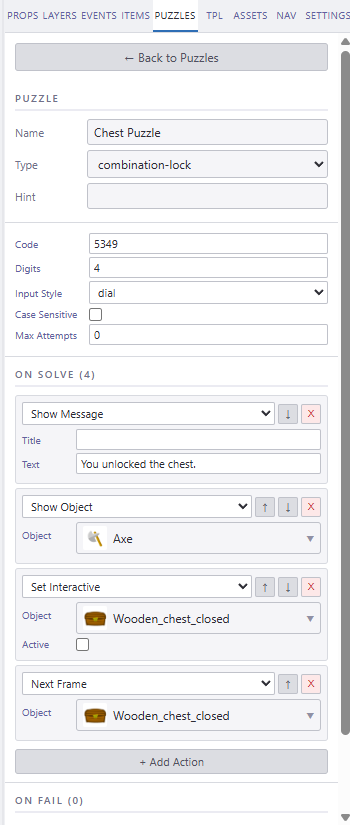
Combination locks, wire connections, jigsaws, pattern matches, key locks, item slots, sliders, image buttons, and sequence puzzles — all configurable with a visual interface. No code, just click and customize! 🎯
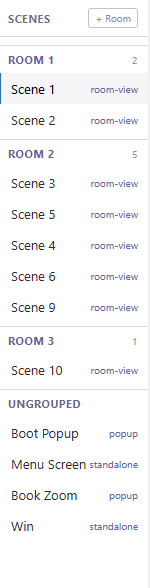
Upload your backgrounds, arrange objects, and see exactly what your players will see — all in real time. Organize your rooms and scenes with an intuitive panel that keeps everything tidy. 🖼️
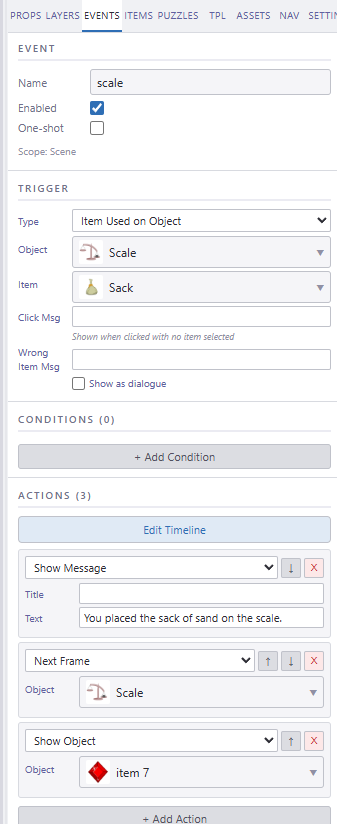
This is where the magic happens! 🪄 Instead of writing code, you chain together triggers, conditions, and actions visually. We're talking:
If you've ever thought "I wish when the player clicks this, then that happens" — that's exactly how it works! 🙌
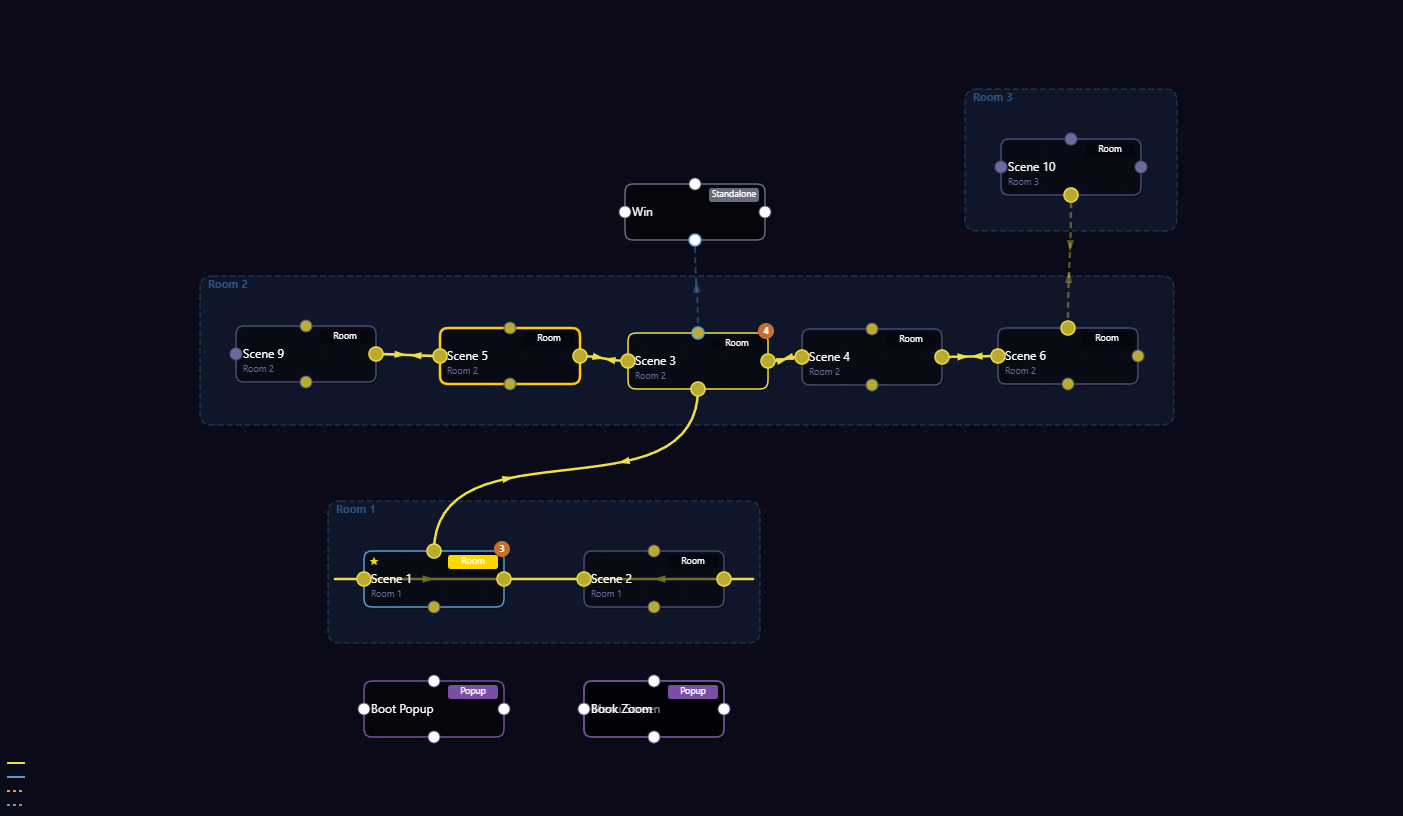
See your entire game at a glance! The scene map shows how all your rooms connect together. Plan your game's flow, spot dead ends, and make sure every path leads somewhere interesting. 🧭
EscapeMaker isn't just puzzles and rooms. It's a complete game creation toolkit:
When your game is done, hit export. You get a single HTML file (typically 2–3 MB) that runs in any browser — desktop, mobile, even offline. No server needed, no app store approval, no waiting. Your game, ready to share with the world! 🌍
Over the years, I've gotten so many messages from players saying "I wish I could make my own escape game!" The truth is, building one from scratch requires serious technical knowledge — programming, asset management, game logic, UI design. It's a LOT. 😅
I wanted to change that. With EscapeMaker, the workflow is just three steps:
If you've ever played one of our Hooda Escape games or a Super Sneaky Spy Guy adventure and thought "I could design a cool room..." — now you actually CAN! 💪
Right now, I'm the one testing and using EscapeMaker day in and day out. In fact — some of the newer escape games you've been playing right here on Melting-Mindz were built with it! 👀 I'm dogfooding it hard, finding every rough edge, and polishing everything up.
When the time is right, I'll be opening up access to everyone. If you want to stay in the loop, keep an eye on EscapeMaker.io 🔗
I've been making escape games since 2006. Building EscapeMaker has been one of the most challenging, frustrating, rewarding, and flat-out coolest things I've ever done. It took years. There were times I wanted to scrap the whole thing and start over (and honestly, I did a few times 😂). But seeing a full game come together inside the editor — puzzles working, transitions flowing, inventory clicking — it makes every late night worth it. 🌙
I can't wait to see what YOU create with it. Stay tuned for more updates, sneak peeks, and eventually... your chance to build your very own escape game! 🎮🔓
More updates coming soon. In the meantime — keep escaping! 🏃♂️💨
— Selfdefiant ✌️


